SanDisk 64 GB Cruzer Blade USB vs Seagate Portable Drive 2TB, External Hard: Which Should You Buy?
A pocket USB stick and a 2TB backup drive, doing very different jobs.
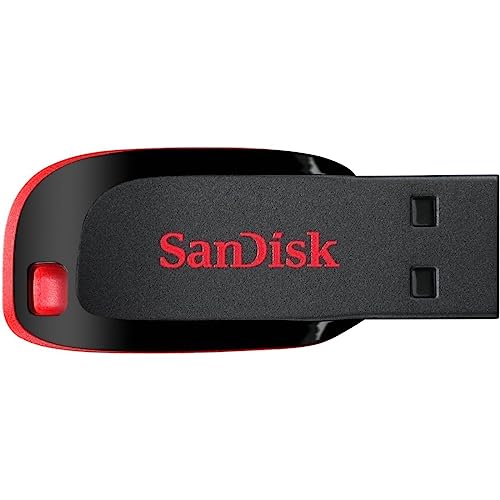 SanDisk
 SanDisk 64 GB Cruzer Blade USB 2.0 Flash
 Seagate
 Seagate Portable Drive 2TB, External Hard Drive, Dark
Side by side
| SanDisk 64 GB Cruzer Blade USB | Seagate Portable Drive 2TB, External Hard | |
|---|---|---|
| Price | See on Amazon → | See on Amazon → |
| Rating | ★★★★★ 4.6 | ★★★★★ 4.5 |
| Review count | 285,698 | 264,605 |
| Brand | SanDisk | Seagate |
| Highlights |
|
|
Our verdict
Do not let the shared category fool you, these solve different problems. The SanDisk Cruzer Blade is an £11 keyring stick for shuttling documents between machines, with an almost absurd 285,000 ratings behind it. The Seagate 2TB is a portable hard drive for backing up a whole photo or video library, where 64GB would not get you started. One lives on your keys, the other on your desk. Buy on need, not price: if you are backing things up properly you want the Seagate, and if you are just moving a few files the Cruzer is all you will ever use.
Which one is for you?
- Buy the SanDisk stick for cheap, pocketable file transfers. Read our full look at the SanDisk 64 GB Cruzer Blade USB →
- Buy the Seagate drive when you need real capacity for backups. Read our full look at the Seagate Portable Drive 2TB, External Hard →
Prices are pulled live from Amazon.
Prices move around, so always confirm on Amazon before deciding. Browse more options in Memory Cards & Storage or see the whole Tech & Electronics department.